
Editing is where most resumes stall. You know what you did at your job — the hard part is saying it in sharp, achievement-oriented language, free of typos, and matched to the role you actually want. CVSHA's resume editor now handles all three of those jobs with a set of inline AI tools: Improve with AI, Spell check, and Update with AI. They appear right under your professional summary and under every work experience entry, and they rewrite your text in place — no separate chat window, no copy-pasting.
Here's what each one does and when to reach for it.
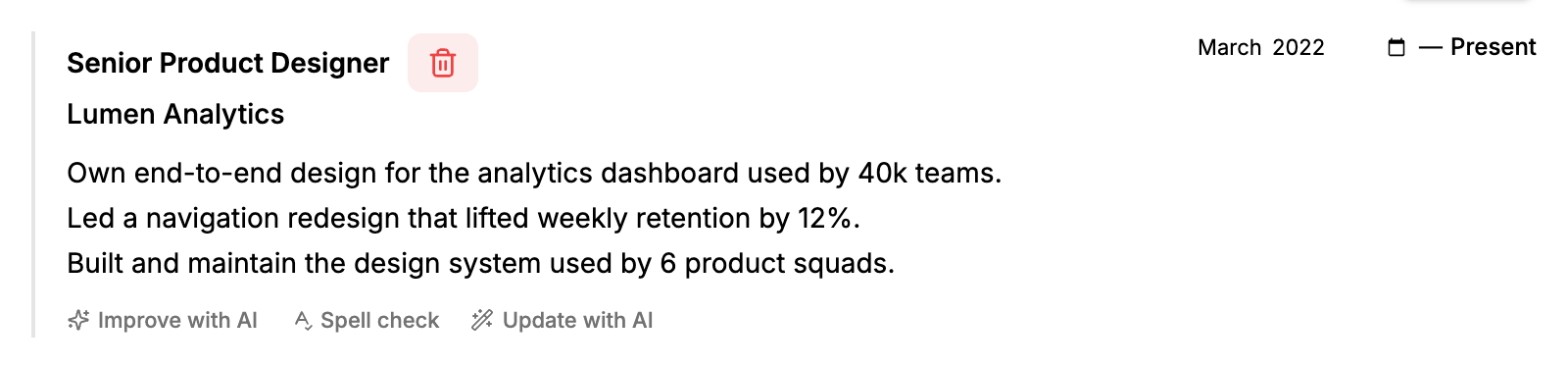
The AI toolbar appears under every work experience description — and under your summary.
Improve with AI: from job duties to achievements
Most first drafts read like a job description: "responsible for the analytics dashboard," "worked on the shipping platform." Recruiters skim past that language because it describes the role, not you.
Click Improve with AI and the editor rewrites your description into strong, achievement-oriented resume language — active verbs, tighter phrasing, results up front. Two rules keep it honest:
- It keeps your facts. The AI is instructed not to invent numbers, titles, or accomplishments. It works with what you wrote — if you want metrics in the result, put them in the draft.
- It keeps your length and language. A two-line description stays roughly two lines, and text written in German comes back in German.
Use it as a fast second pass: write your rough draft the way you'd explain it to a friend, then let the AI translate it into resume language. You can keep editing afterwards — the result lands in the same textbox you were just typing in.
Spell check: fixes mistakes, changes nothing else
Sometimes you don't want a rewrite — the wording is yours and you like it. You just want to be sure a recruiter never sees "recieved" or a stray comma splice.
Spell check is deliberately conservative. It corrects spelling, grammar, and punctuation and touches nothing else: no rephrasing, no reordering, no "improvements" you didn't ask for. It's the tool to run right before you export, especially if you're writing a resume in a second language.
Update with AI: tailor your text to the job in front of you
This is the most powerful of the three. Click Update with AI and a small box opens asking for context or instructions. You can:
- Paste a job posting — the AI reworks your description to emphasize the experience that matches it.
- Add facts you forgot — "mention that we migrated the platform to AWS" gets woven into the text naturally.
- Give editorial direction — "emphasize leadership," "make it more technical," "shorten this to two sentences."
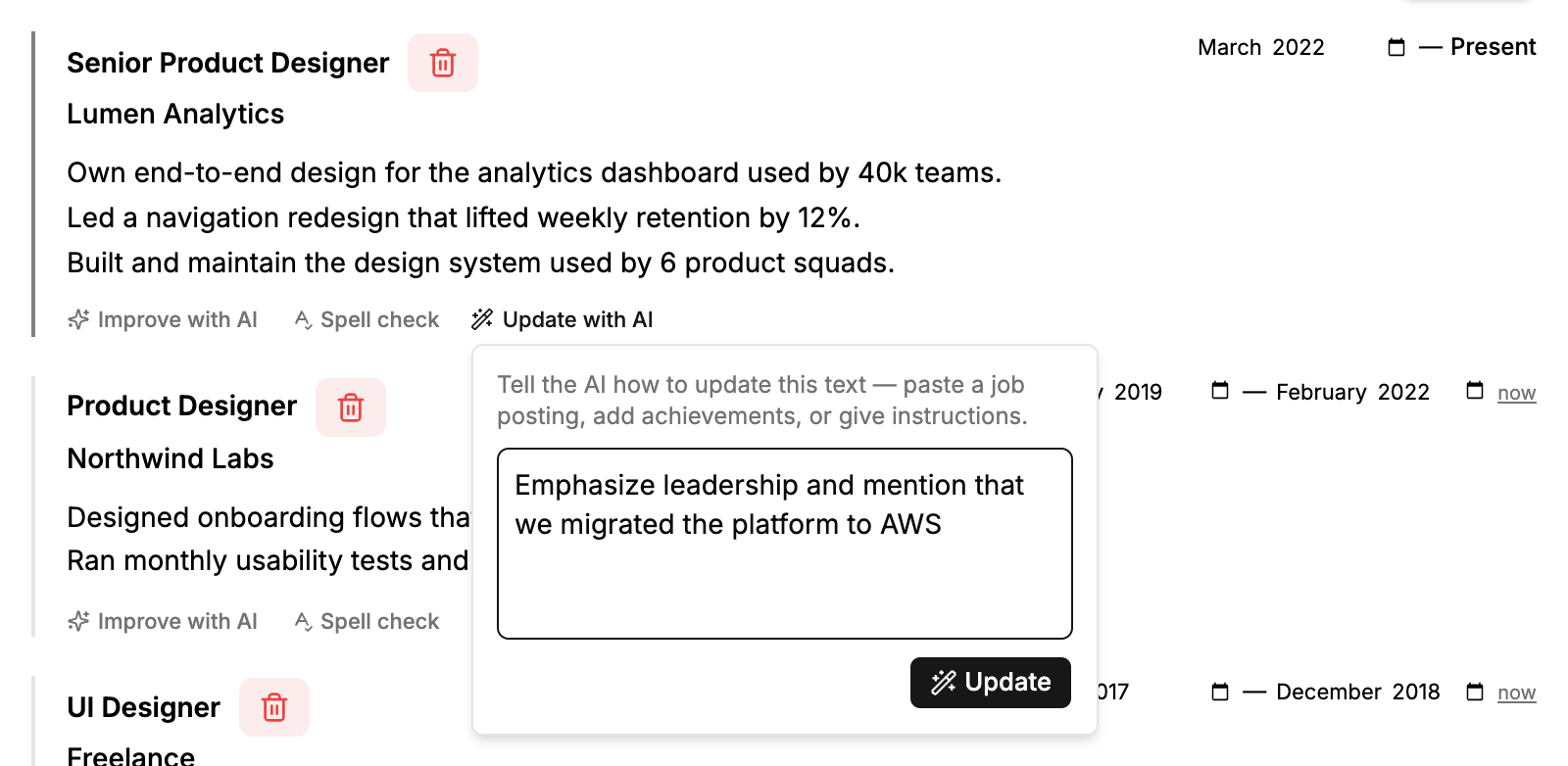
Update with AI takes plain-language instructions — or an entire job posting — and reworks your description around them.
Tailoring your resume to each application is one of the highest-leverage things you can do in a job search — and the reason most people skip it is that manual rewriting takes too long. With context-aware updates, tailoring an entry takes about as long as reading the job posting.
Where the tools live
The AI toolbar appears in the inline editor under:
- Your professional summary — the three-line pitch at the top of your resume, where tailored language matters most.
- Every work experience entry — each entry gets its own toolbar, so you can improve one role's description without touching the others.

The same three tools under the professional summary.
It works the same in all resume templates. Changes apply instantly, autosave picks them up like any other edit, and nothing is locked in — if you don't like a result, edit it or run the tool again with different instructions.
A workflow that actually holds up
A practical way to use all three tools together when applying for a specific role:
- Draft honestly. Write plain descriptions of what you did, including any numbers you remember.
- Improve. Run Improve with AI on your summary and each experience entry to get achievement-oriented phrasing.
- Tailor. Open the job posting, copy the key requirements, and run Update with AI on your summary and your most relevant role.
- Proofread. Finish with Spell check on everything you touched.
The result is a resume that's still true — your facts, your history — but written the way hiring managers expect to read it, and aligned with the posting in front of them.
AI editing tools are available on CVSHA plans with AI features enabled. Open the editor and try them on your resume →